
How to Use Current Donors
Change time period
- Click on the button on the top left corner of the card (default labeled 'Last 12 months').
-
A drop menu will appear with 4 options - "Last 12 months", "Last 6 months", "Last 3 months" and "Custom".
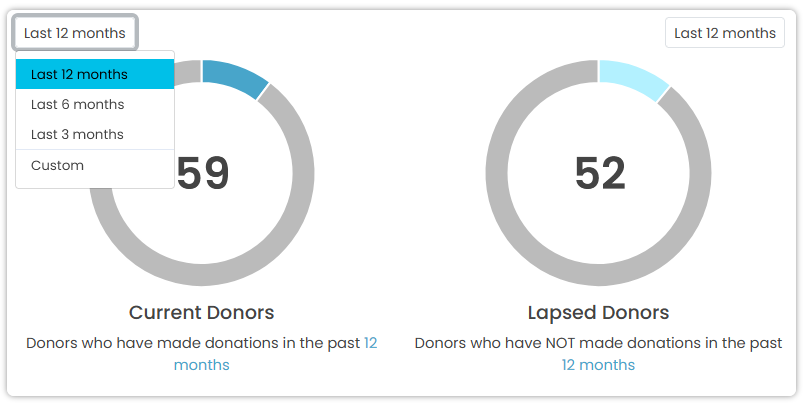
- Click on the period you would like to filter with.
-
If you choose Custom, a custom date range pop up form will appear.
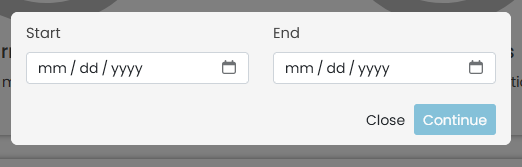
- Specify the Start date and End date for the period you would like see.
View Current Donors
Click the number inside the doughnut and the table below will be filtered to display the Current Donors.
